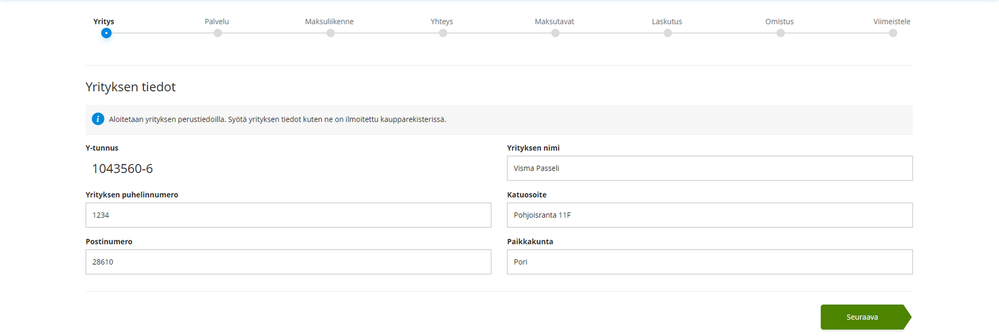
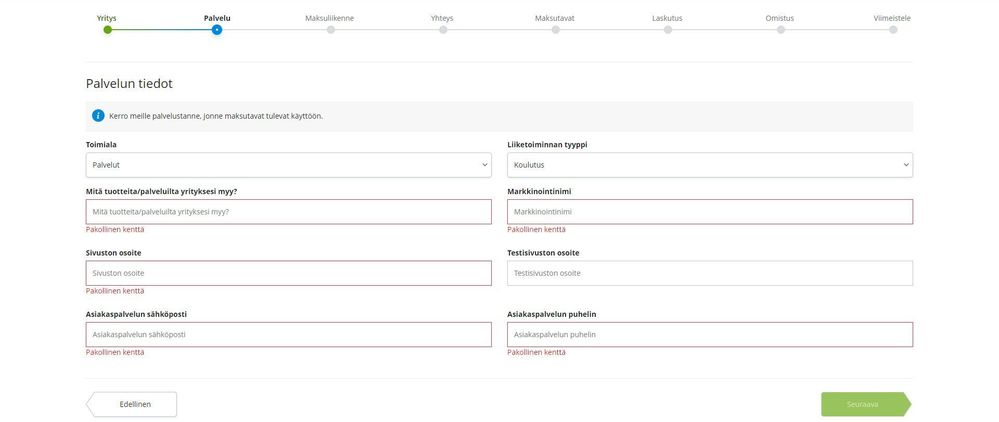
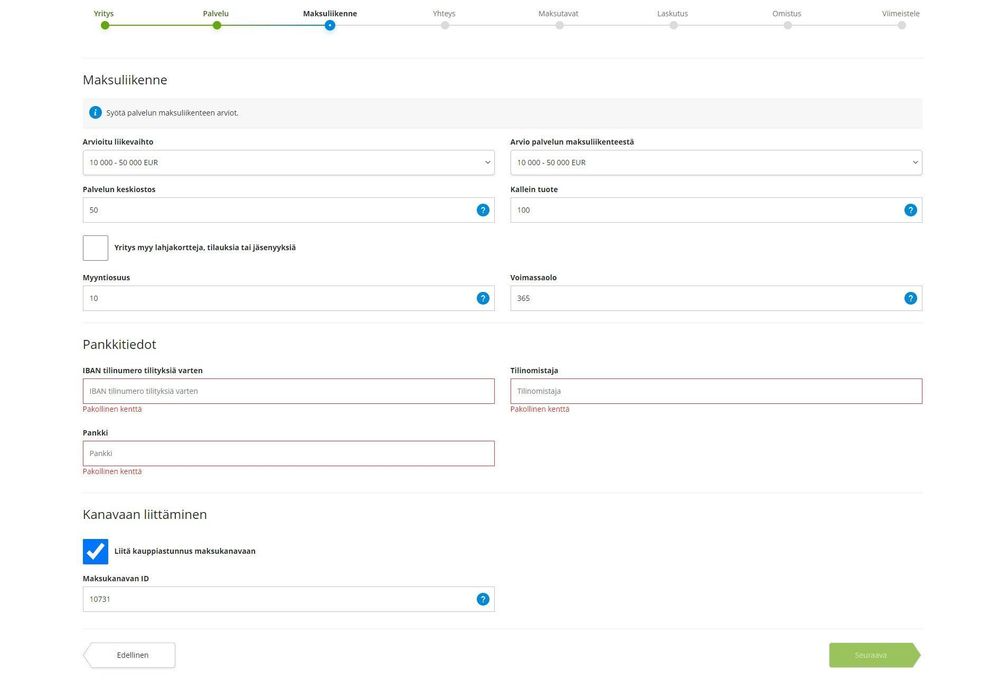
CONTACT:
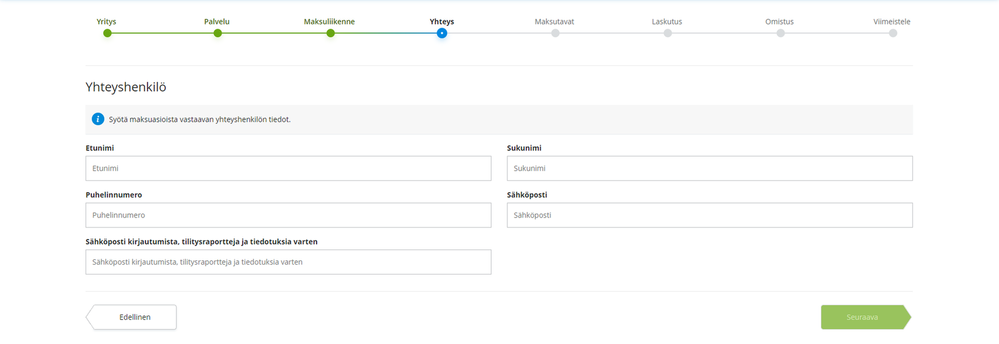
Fill in the contact information for the person responsible for payment matters here.
Email for Login, Billing Reports and Notifications: The email listed here will serve as the login to the Merchant Portal
PAYMENT METHODS:
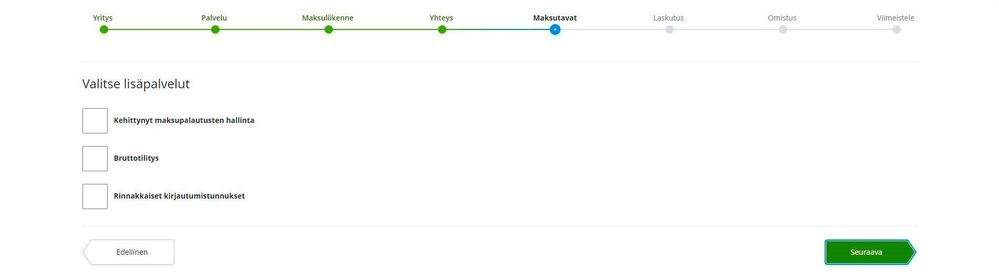
- Leave the fields under Select Additional Services blank and click Next directly. You can enable additional services later if you wish.
BILLING:
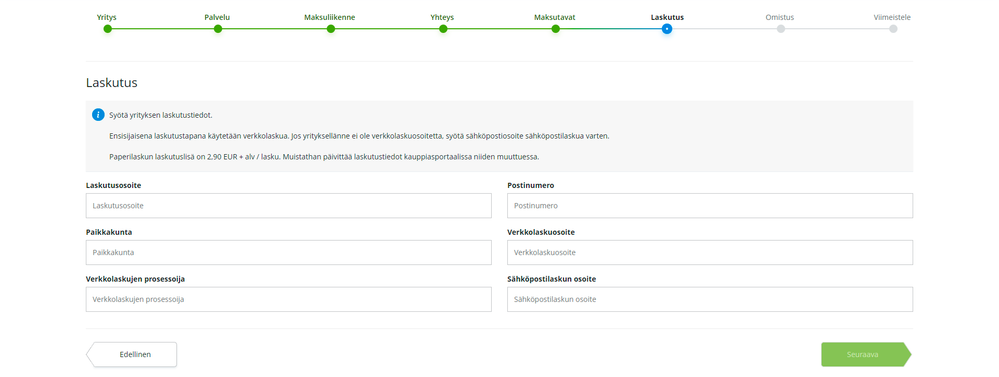
- Follow the instructions on the page to enter your company's billing information.
OWNERSHIP STRUCTURE:
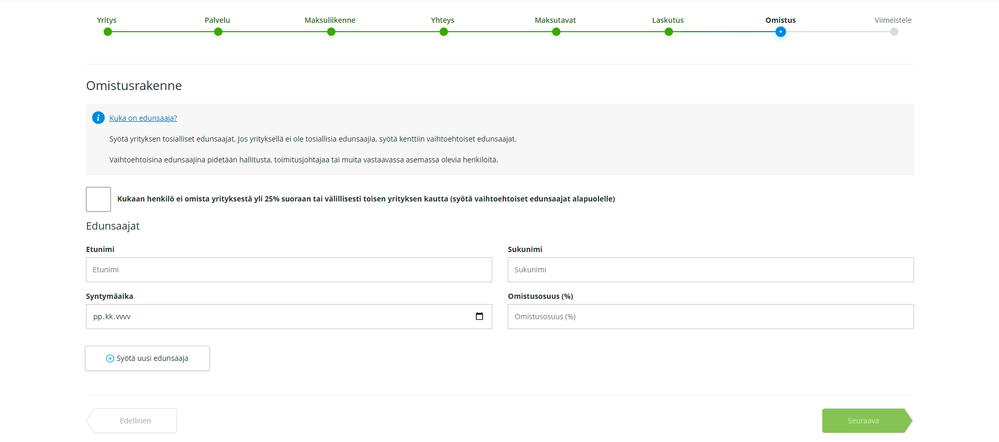
- Tell us about the ownership structure of the company here, and fill in the information about the beneficiary of the company. The beneficiary of a company is a person who owns more than 25% of the company. Fill in the percentage of the company. If no one owns more than 25% of the business, select the tick “No one owns more than 25% of the business and fill in the details of the alternative beneficiary.
- If necessary, read the link on the page for more information
FINISH:
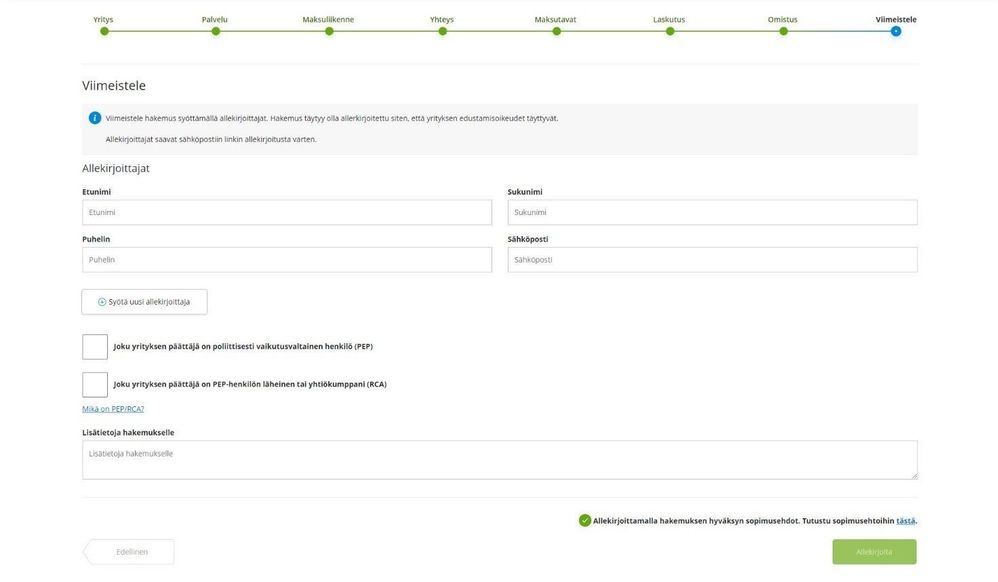
- Finally, fill in the details of the person signing the application. The application can be signed by a person who has the right to sign the company. The right to sign is stated, for example, in the Trade Register.
- PEP: Under PEP, read the info link for a more detailed definition of PEP people. Only fill in the box if the conditions are met!
- Additional information for the application: Provide additional information for the application “Visma channel” to speed up the processing of the application.
FINALLY:
- When you are done and have entered all the required information, press “Sign” to electronically sign and submit the application. Follow the instructions on the page to sign the application.
Oliko tästä vastauksesta apua? Kyllä Ei
Send feedbackPahoittelut, että emme voineet auttaa. Anna palautetta, jotta voimme parantaa tätä artikkelia.